RUIKANG Smart Lock FAQ & Support Center
Professional solutions for all RUIKANG smart lock models | Fast troubleshooting, secure usage, and full product support

FAQs
1. Basic Settings
A: The factory default administrator password is 123456. Please change it to your own password before first use.
- Press 1 + #
- Enter the current administrator password
- Press # to confirm
- Enter a new 6‑10 digit password
- Press # twiceGreen light = success.
- Press 1 + # → Enter admin password
- Press 3 + 1
- Then choose:
- 1 = Low volume
- 2 = Medium volume
- 3 = High volume
- 0 = Mute
- Press 1 + # → Enter admin password
- Press 3 + 4
- Then press:
- 1 = Left-hand door
- 2 = Right-hand doo
2. User Management
- Press 1 + # → Enter admin password
- Press 2 + 1
- Enter new user password OR scan fingerprint 5 times
- Press # twiceGreen light = success.
- Press 1 + # → Enter admin password
- Press 2 + 2
- Enter the user ID you want to delete (e.g. 003)
- Press #Green light = success.
- Press 1 + # → Enter admin password
- Scan the same finger 5 times (re‑place after each beep)Green light = success.
3. Reset & Factory Restore
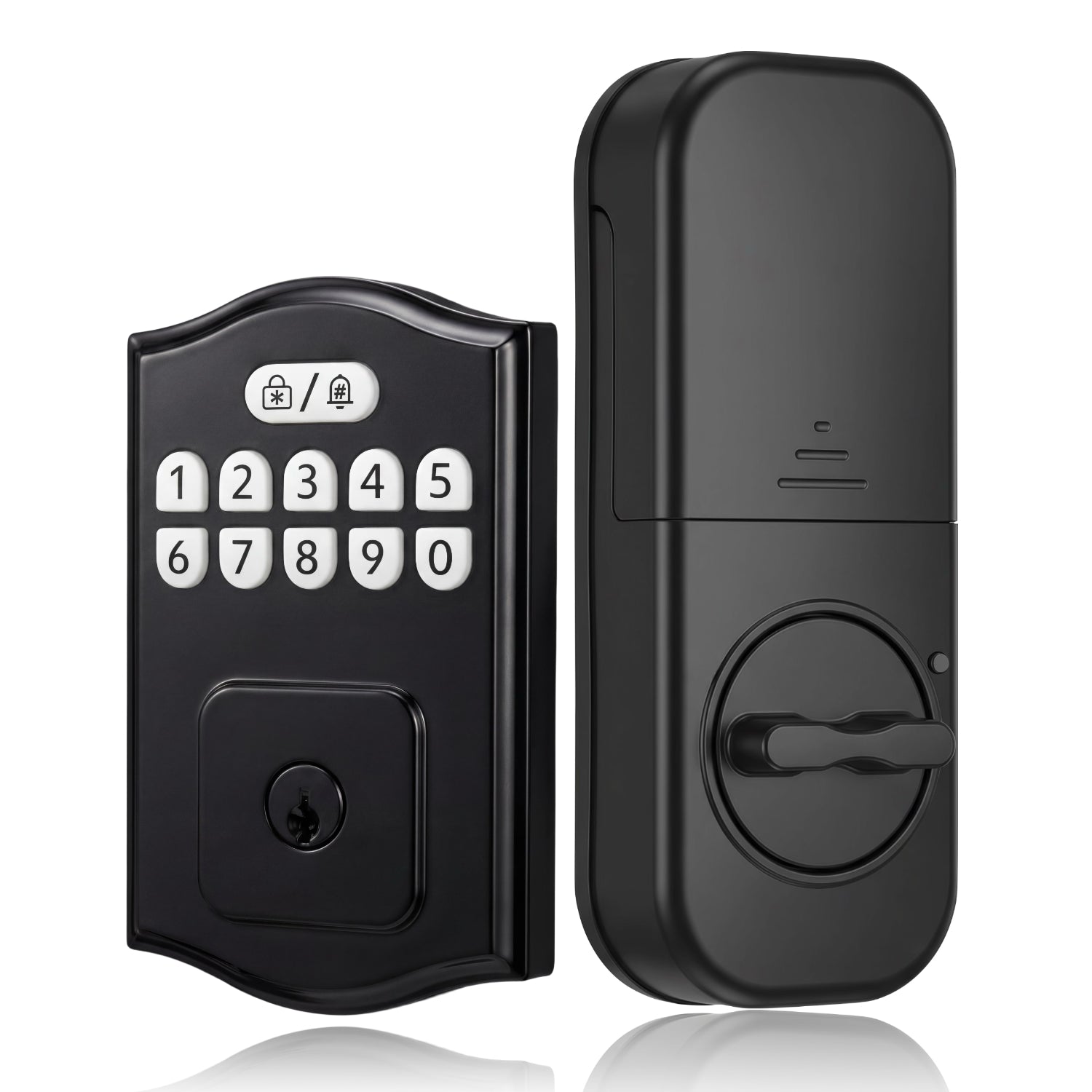
A: Press and hold the reset button on the rear panel for about 10 seconds until you hear 6 beeps, green light on, and voice says “Factory reset successful”.Admin password reverts to 123456, all user codes erased.
Method 1: Enter factory reset command on keypad.
Method 2: With door open & unlocked, press and hold rear reset button ~10 seconds until green light & voice prompt.
4. Power & Battery
A: Under normal use (≈10 cycles/day), 4 AA alkaline batteries last up to 120 days. Rechargeable 18650 lithium batteries are recommended.
Use a power bank with Type‑C cable to connect the lock’s emergency power port.
Once powered on, enter your code to unlock normally.Note: Emergency power is for temporary use only.
5. Fingerprint Issues
- Keep your finger clean and dry.
- Re‑enroll fingerprint, covering different areas of your finger.
- Add a backup finger for reliability.
A: Yes. Delete by user ID:1 + # → Admin password → 2 + 2 → Enter user ID → #
A: Finger may be wet/dry/angled incorrectly. Adjust position or re‑enroll the fingerprint.
6. Installation & Door Alignment
A: Cylinder installed incorrectly.
- Keep latch retracted & keyhole vertical during install.
- Ensure front metal drive tab passes vertically through cylinder hole.
- Set rear toggle switch to unlocked position.
A: Latch & strike plate misaligned.
- Frame hole must be at least 1 inch (≈25 mm) deep.
- Latch must enter smoothly without scraping.
A: Installation issue.
- Check latch & strike plate alignment.
- Adjust screws (not too tight/too loose).
- Keep door open and retry reset.
- Latch must be fully retracted (unlocked) during install.
- Interior thumb turn must be vertical.
- Keep door open and retry reset.
7. Wi‑Fi Issues
A: 2.4GHz has better wall penetration, longer range (up to 10m), lower power use → stable connection & longer battery life.
- Enable 2.4GHz band in router admin.
- Set SSID to visible (not hidden).
- Restart lock connection process.
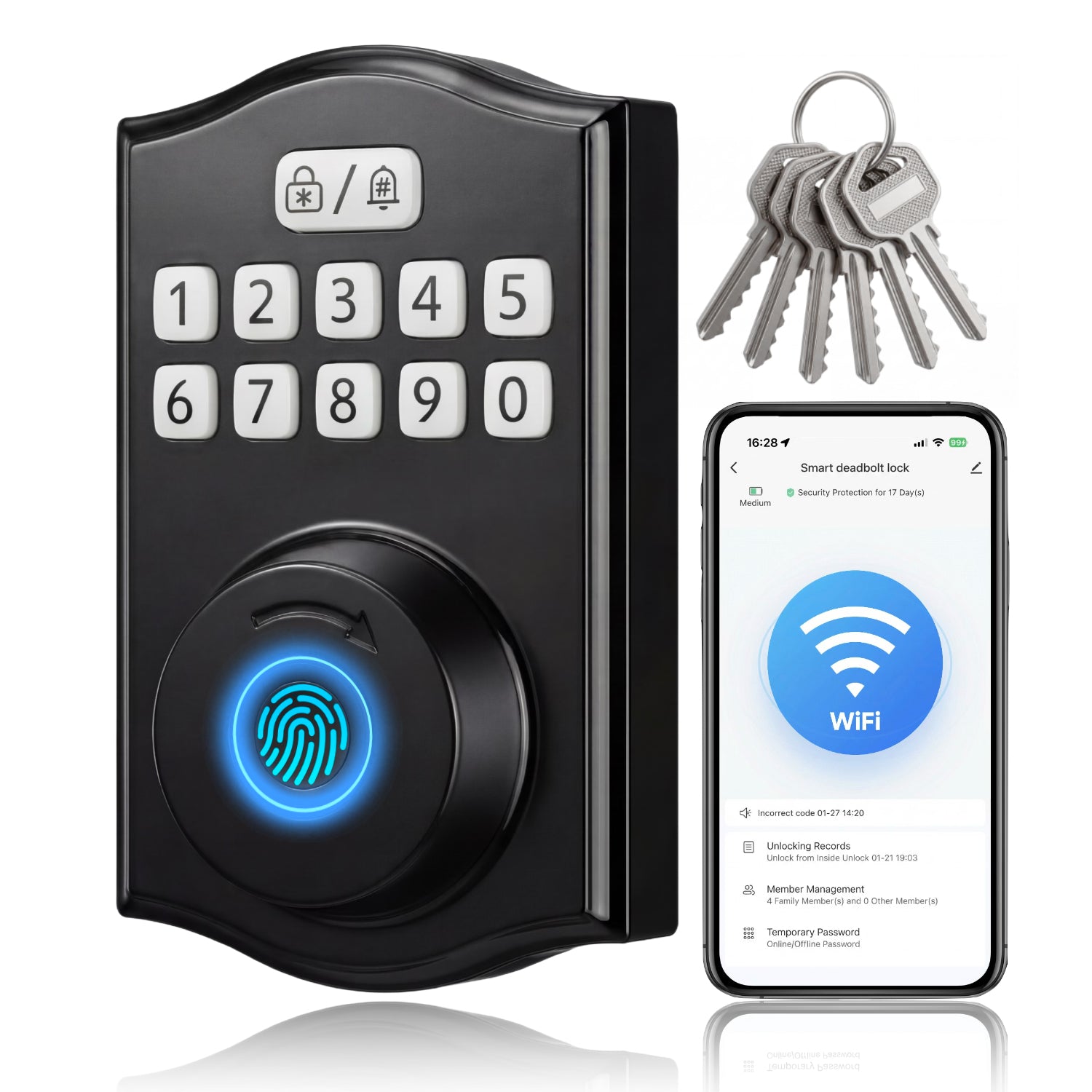
- Download Smart Life App & create account.
- Wake keypad: 1 + # → admin password → 1 + 3 (enter Wi‑Fi config mode).
- Open App → Add Device → select your lock.
- Select 2.4GHz network, enter password, wait for connected.
- Router within 10m, few walls.
- No large metal/microwave interference.
- Restart router.
- Update Smart Life App & lock firmware.
- Check Wi‑Fi signal strength at lock location.
A: Encrypted wake‑on‑demand system. Wi‑Fi sleeps to save power & prevent hacking. Doorbell wakes Wi‑Fi securely. Extends battery life up to 50%.
A: Yes. You can still use passcode, fingerprint, or mechanical key. Only remote control & real‑time status not available. Wi‑Fi auto‑reconnects when restored.
Contact Us
If you have any inquiries, feel free to reach out to us via the official email address provided below. Kindly detail your question in the email, and our customer service team will respond within 24 hours. We hope you have a pleasant shopping experience!